Advanced Excel & Business Analytics
Apply advanced spreadsheet tools to operational and strategic questions.
Program Overview
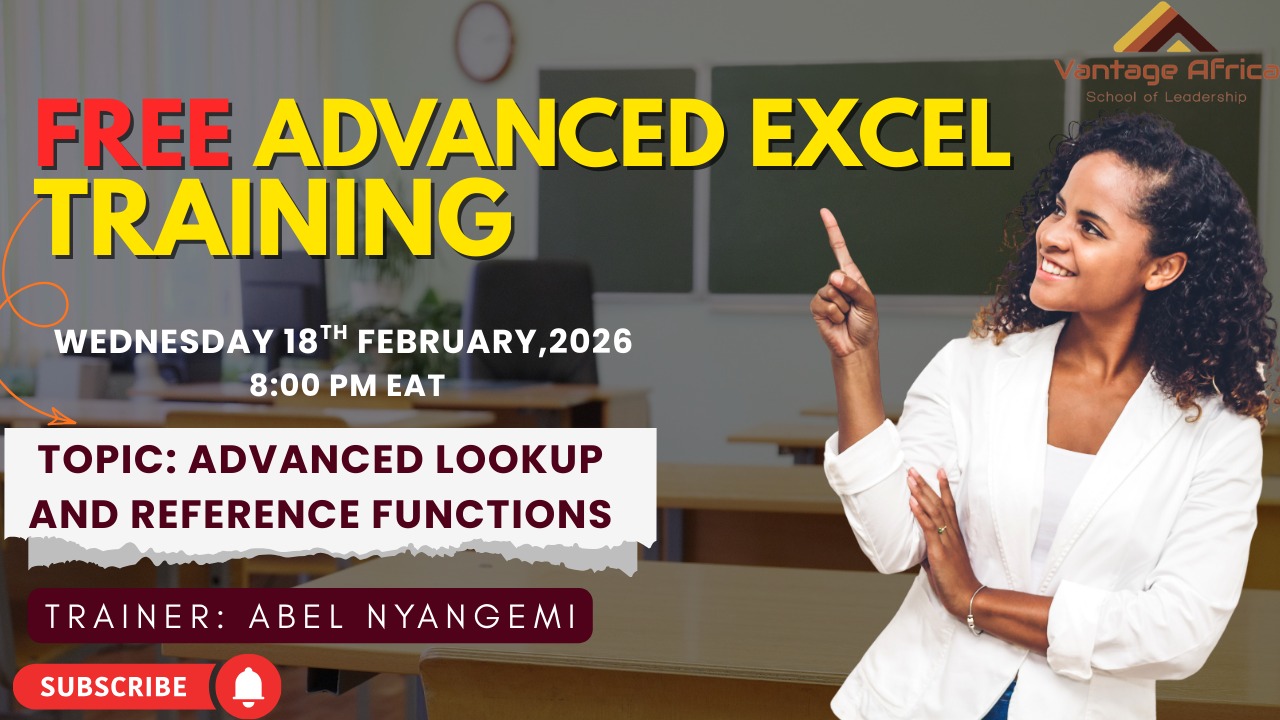
Our Free Advanced MS Excel Training: Master Spreadsheets for Data-Driven Decision Making is a free, in-depth, and highly practical learning experience designed to help you master one of the most essential tools in every professional's toolkit: Microsoft Excel. Whether you want to reduce the time you spend on spreadsheets, build powerful data models for decision-making, or take your Excel skills from beginner to advanced, this training is your ideal starting point.
This training goes beyond theory. It is built for professionals who want to use advanced formulas, analyze data with confidence, and create reports that drive real decisions. You will be guided step-by-step through how to apply lookup formulas, audit and debug complex spreadsheets, automate workbook functionality, build pivot tables, create sparklines, map data visually, and forecast trends that matter.
Through hands-on exercises and real-world data scenarios, you will learn how to move from basic spreadsheet use to producing professional visualizations, financial models, and data summaries that organizations rely on. Whether you are in finance, project management, M&E, administration, research, or any role where data informs decisions, this training will give you practical tools you can immediately apply to work smarter and stand out professionally.
You will also connect and network with professionals from over 40 countries across the world, expanding your professional reach and learning from diverse real-world data analysis and reporting experiences.
Date: Wednesday, 18 February, 2026
Time: 8:00 PM EAT
During This Training, You Will Learn:
1. How to work efficiently with multiple worksheets and workbooks
2. How to apply advanced lookup formulas and audit complex spreadsheets
3. How to share, protect, and secure your workbooks professionally
4. How to automate workbook functionality to save time and reduce errors
5. How to create sparklines, map data visually, and build compelling report visualizations
6. How to use pivot tables and data summarization techniques for powerful analysis
7. How to forecast data and lay out Excel models for informed decision-making
8. How mastering Advanced Excel opens career opportunities in finance, project management, M&E, administration, research, and data analysis
Training content & practical outcomes
What your team will take away
Tools and templates that can be adapted to participants' work, peer networking, expert facilitation, and a clear professional development pathway. Custom organisation-specific programmes are available on request.
Build an exclusive in-house cohort →
Program Starts In
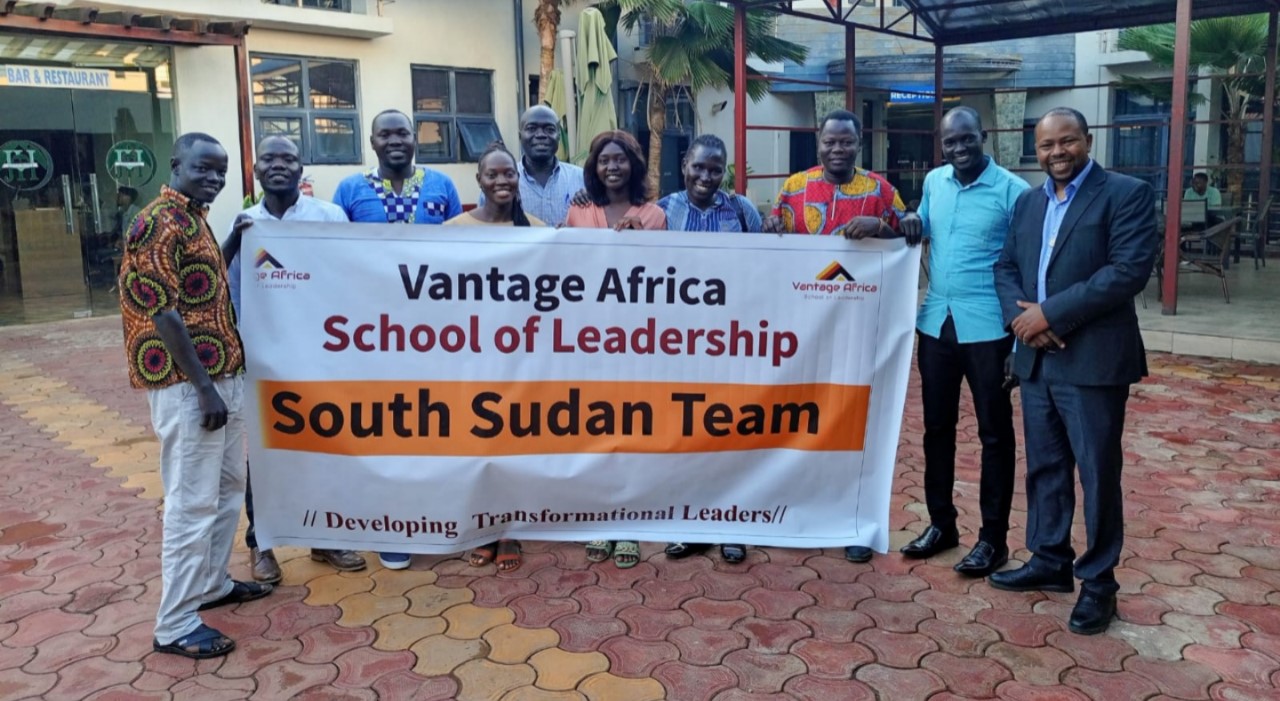
We Have Conducted Trainings in 28 Countries Across Africa
Here are some of them


Our Background and Expertise
Vantage Africa School of Leadership is a professional training and consultancy firm based at Astrol Business Centre, Thika Road, Nairobi. The institution delivers practical, results-oriented courses designed to build leadership, management, and technical competence across Africa. Practical Learning Focus: Every course emphasizes application, ensuring participants can translate Excel knowledge into real workplace performance. 1. Blended Learning: Training combines live Zoom sessions with self-paced e-learning, featuring videos, notes, and quizzes for maximum engagement. 2. Assessment and Certification: Participants are certified only after completing assignments, attending at least 70% of sessions, and demonstrating mastery through projects. 3. Expert Trainers: Facilitators are experienced professionals skilled in analytics, automation, and reporting, ensuring lessons are grounded in real-world practice. 4. Regional Reach
Our Philosophy
The Advanced MS Excel program is a competency-based, practice-driven course designed to transform participants into proficient Excel professionals. Learning combines live sessions and self-paced e-learning to build mastery through consistent application. 1. Hands-On Learning: Every skill is practiced data cleaning, formulas, automation, dashboards until demonstrated through real tasks. 2. Blended Delivery: Live Zoom classes encourage interaction; e-learning modules reinforce concepts through notes, videos, and quizzes. 3. Continuous Assessment: Each module ends with a quiz, and learning culminates in a capstone project demonstrating full mastery. 4. Performance-Based Completion: Certification requires at least 70% attendance, completed assignments, and passed assessments. 5. Outcome-Oriented Focus: Graduates emerge able to automate workflows, analyze data, and design decision-ready dashboards.
How We Conduct Our Advanced Excel Trainings
(and why our methodology works)
Excel Foundations & Data Cleaning
Topics: Excel basics, data organization, cleaning, and validation. Skills: Navigation, relative/absolute references, CLEAN, TRIM, ISERROR, validation tools.
Logical & Lookup Functions
Topics: Logical formulas and basic lookups. Skills: IF, IFS, AND, OR, IFERROR, VLOOKUP, HLOOKUP for structured data analysis.
Advanced Lookup & Reference Functions
Topics: INDEX-MATCH, XLOOKUP, and function integration. Skills: Build dynamic references, combine formulas.
Dynamic Arrays and Advanced Formulas
Topics: FILTER, UNIQUE, SORT, SEQUENCE, and date/time functions. Skills: NETWORKDAYS, EDATE, DATEDIF, TEXT for automated, scalable calculations.
PivotTables & Dashboards
Topics: PivotTables, PivotCharts. Skills: Building visual summaries, slicers, timelines, interactive dashboards.
Advanced Visualization & Conditional Formatting
Topics: Waterfall, Funnel, Sparklines, Combo Charts. Skills: Data bars, color scales, icon sets for highlighting insights.
Automation with Macros & VBA
Topics: Recording and running Macros, Basic VBA. Skills: Workflow automation and process customization.
Power Query & Power Pivot
Topics: ETL operations and data modeling. Skills: Merge, append, unpivot datasets, build data models, and apply DAX formulas.
What-If & Statistical Analysis
Topics: Goal Seek, Scenario Manager, Solver, FORECAST, and ANOVA. Skills: Perform forecasting, optimization, and hypothesis testing.
This approach has produced excellent professionals across the continent who do not just have “book knowledge”, but can deliver results in the field.